








Generator
History
AI Floor Plan Generator
Change Tool
Model
Base
Switch
Reference floor plan
Upload
BedRoom
-
2
+
BathRoom
-
1
+
Gross Area
Unit metric
 imperial
metric imperialArea
< 50㎡
50-80㎡
80-100㎡
100-120㎡
120-150㎡
> 150㎡
Extras
Looking for any specific?
e.g. Modern style living room with bright colors, soft lighting and minimalist design.
 Count
Count
Design Your Dream Home with AI-Powered Home Building Plans
Unleash your architectural vision with Ideal House’s AI Floor Plan Generator. Quickly create professional, customizable home building plans, from concept to ready-to-share designs. Whether you're a homeowner, designer, or real estate professional, our intuitive tool streamlines the design process, delivering precise and aesthetic house design plans in moments.
Generate My Floor Plan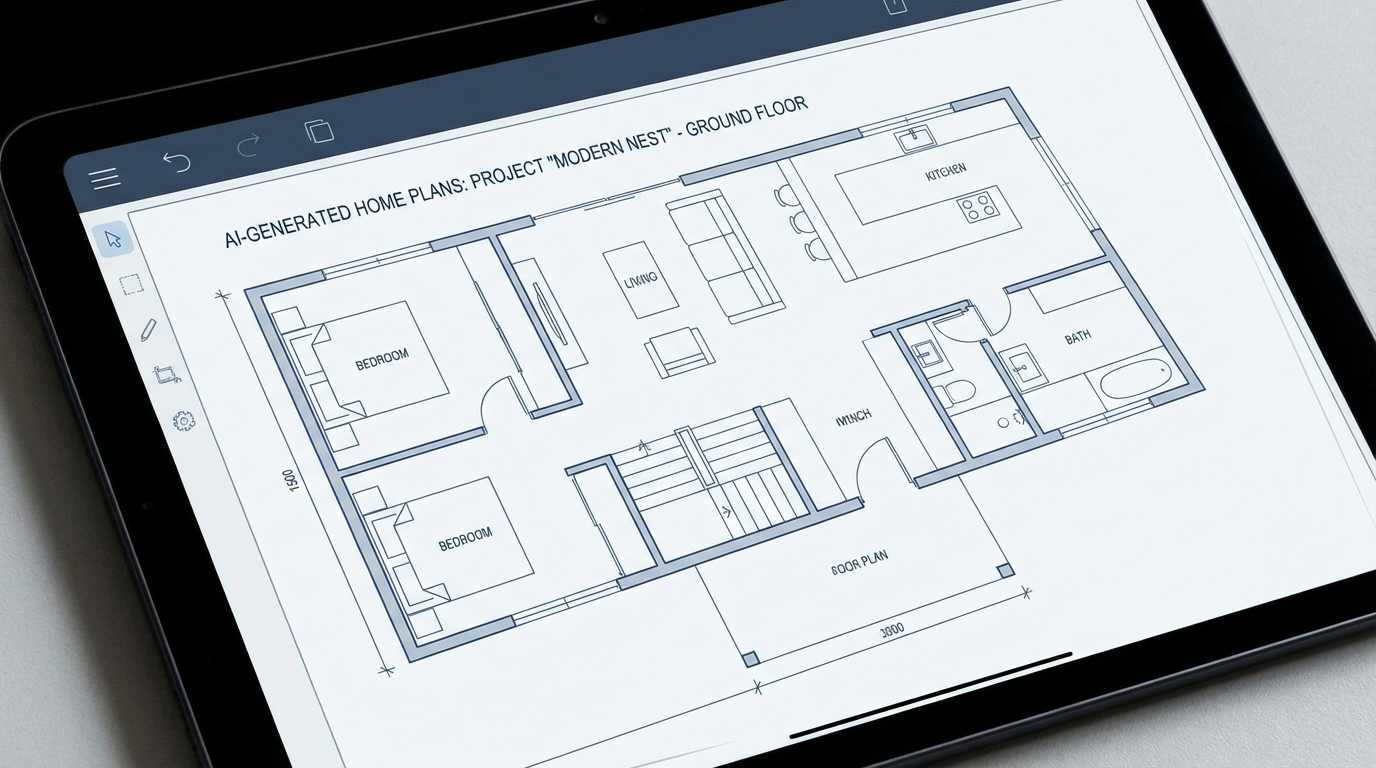


Revolutionize Your Home Building Plans with Ideal House
Instant, Customizable Home Building Plans
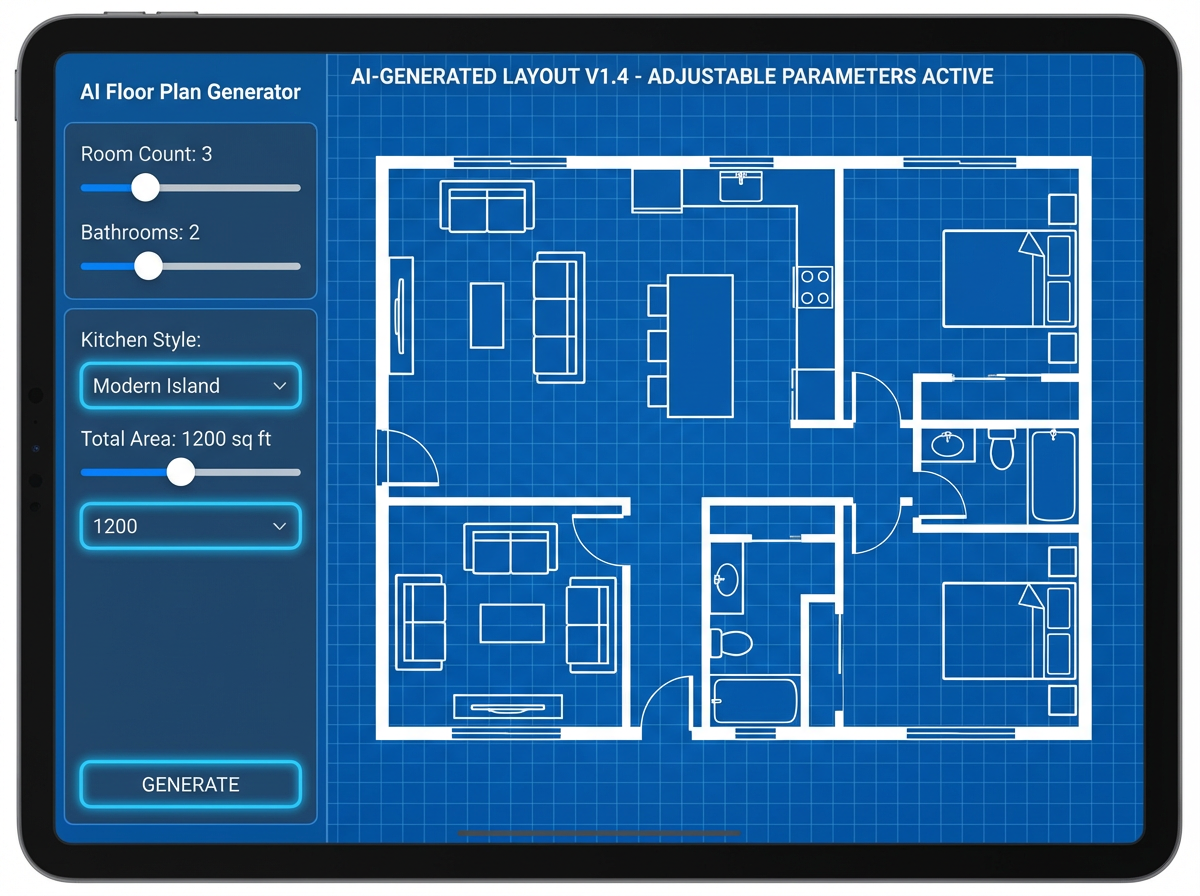
Say goodbye to tedious manual drafting. Our AI Floor Plan Generator transforms your ideas into tangible home building plans in seconds. Easily adjust parameters like bedrooms, bathrooms, kitchen style, and gross area to perfectly match your custom home plans. This allows for rapid iteration and exploration of countless home layout ideas without extensive design knowledge.
Precision and Realism for Every Project
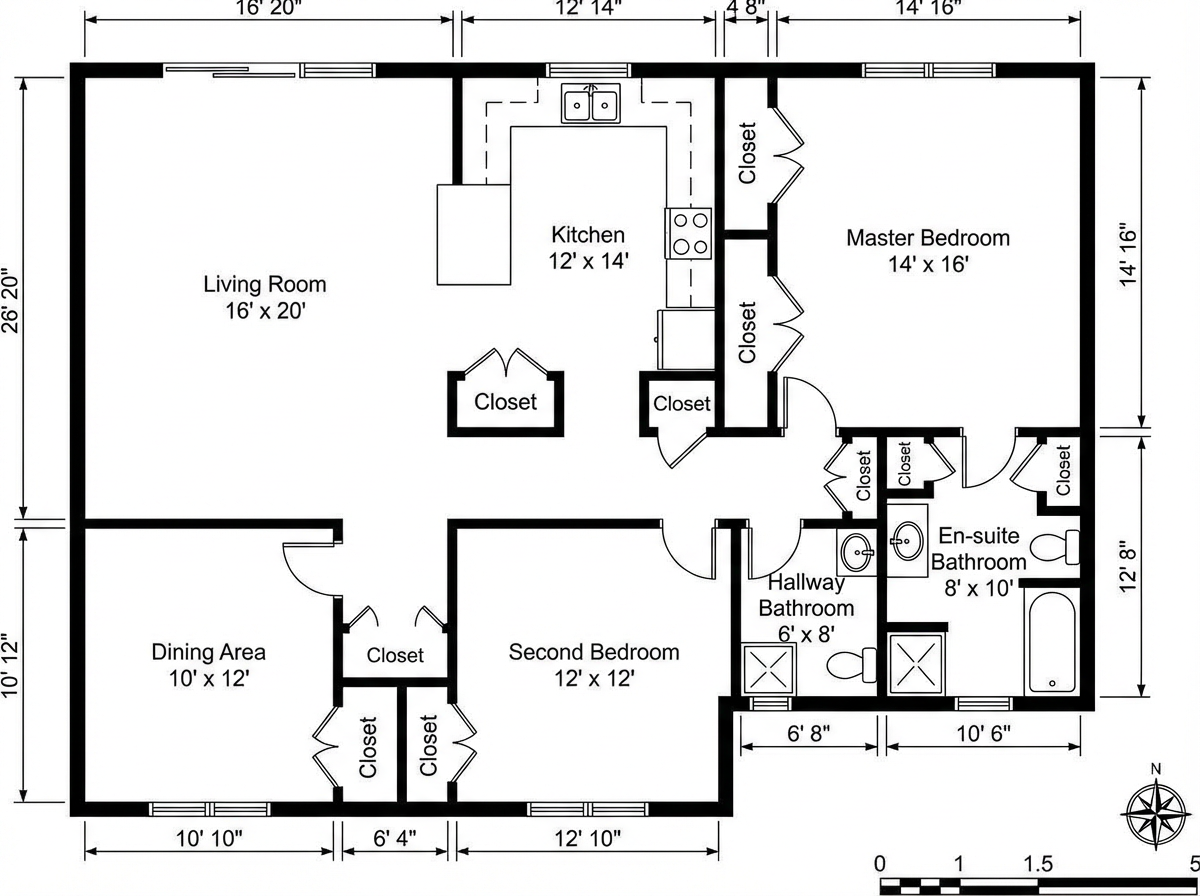
Ideal House delivers architectural drawings that are not just aesthetically pleasing but also practical. Our AI ensures that your home building plans adhere to common spatial planning principles, making your dwelling blueprints feel realistic and functional. From small house plans to expansive residential plans, every detail is considered, providing a solid foundation for construction diagrams.
Boost ROI with Engaging Visuals
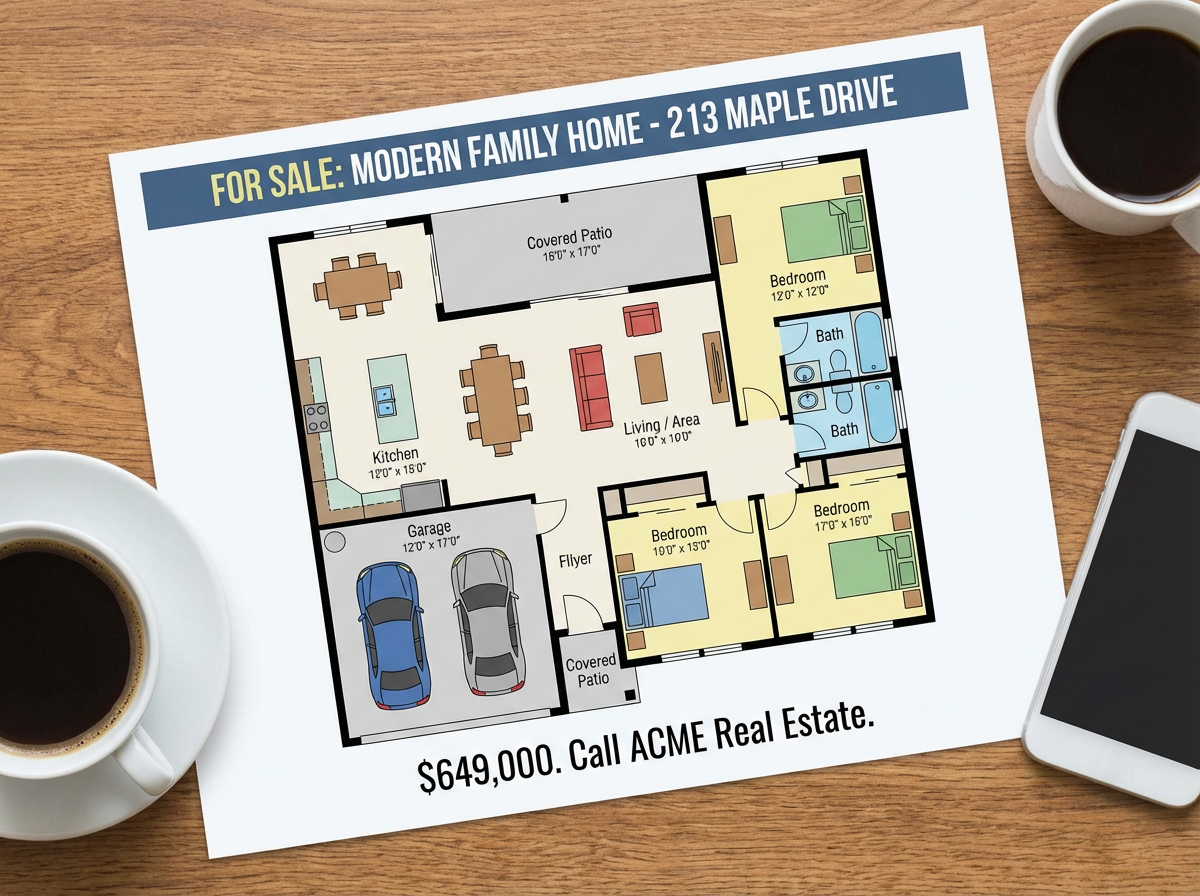
For real estate listings, captivating visuals are key. Our AI-generated building blueprints are presentation-ready, helping you showcase property development concepts effectively. Generate clear 2D floor plans that instantly communicate layout and flow to potential buyers, enhancing engagement and accelerating sales. This is crucial for securing interest in your home building plans.
Seamless Integration with Your Workflow
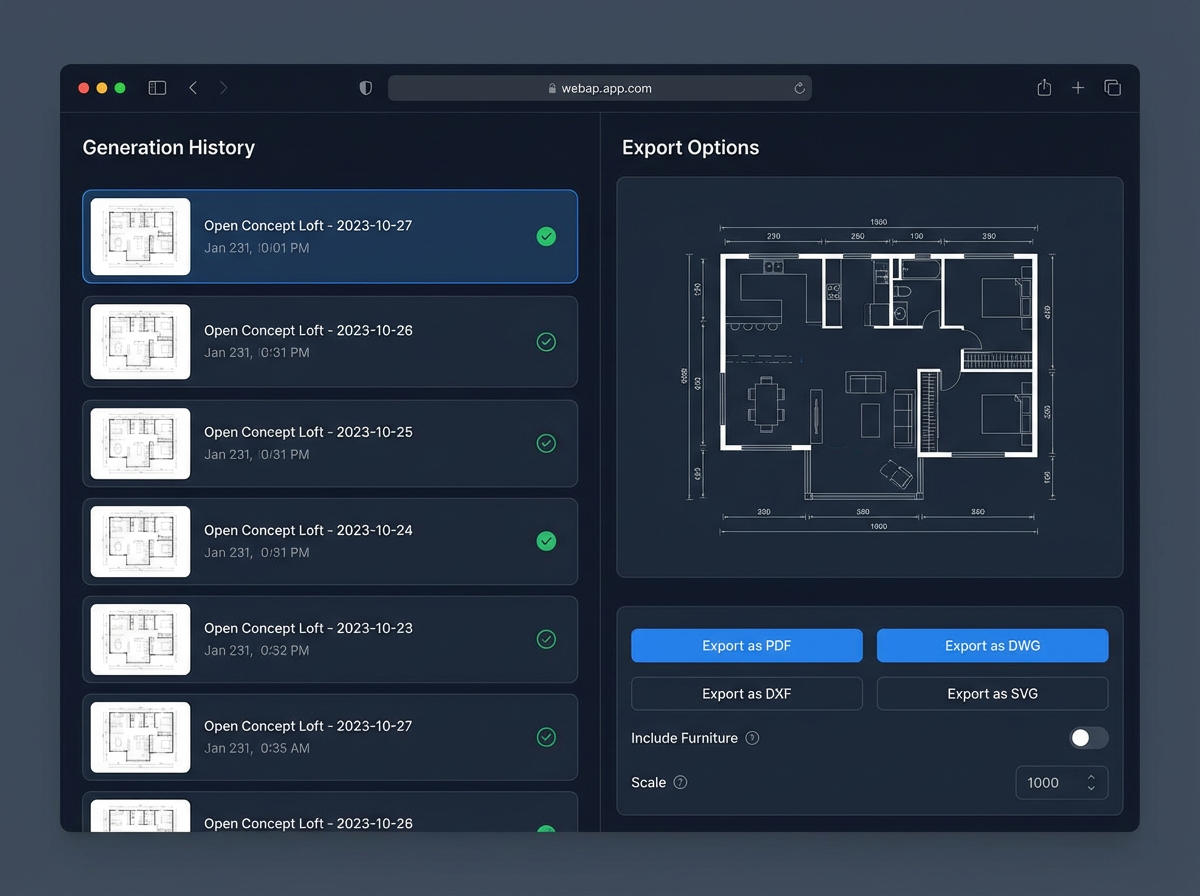
Whether you're exploring home addition plans or drafting services for a new build, our floor plan creator fits into your existing process. The Generation History feature allows you to compare multiple design concepts, ensuring you select the best home building plans. Export your plans as images or PDFs for easy sharing with clients, contractors, or team members.

Who Benefits from Our AI Floor Plan Generator?

Homeowners & DIY Planners looking to visualize home building plans

Interior Designers & Decorators needing quick floor plan concepts

Real Estate Agents & Brokers enhancing listings with professional building blueprints

Contractors & Consultants aligning on construction diagrams and project scope

Creating Your Home Building Plans is Simple
1
Set Rooms: Choose your desired number of bedrooms (0-4) and bathrooms (1-3) for your home building plans.
2
Choose Kitchen Style: Decide between an open or closed kitchen layout to suit your lifestyle or design aesthetic.
3
Pick Gross Area: Select a gross area range that best matches your target property size to guide the overall proportions of your house design plans.
4
Add Extras: Multi-select features like a walk-in closet, home office, or garage to influence zoning and room relationships within your building blueprints.
5
Generate & Review: Click 'Generate' to instantly create your 2D floor plan. Review results, tweak parameters, and regenerate to compare different home layout ideas.
6
Download & Share: Export your chosen home building plans as an image or PDF to easily share with clients, partners, or for your next property development.
Frequently Asked Questions About Home Building Plans
How does the AI turn my selections into home building plans?
Our AI floor plan generator interprets your input – such as beds, baths, kitchen type, gross area, and selected extras – and applies intelligent spatial planning and adjacency rules to draft clear 2D floor plans. Each generation provides a fresh design concept based on your preferences, allowing you to iterate on various dwelling blueprints for your home building plans.
What are the available ranges for my house design plans?
You can select 0-4 bedrooms (default 2), 1-3 bathrooms (default 1), and choose between an open or closed kitchen (default open). Gross Area bands range from <50㎡ to >150㎡, and you can multi-select various extras to tailor your home building plans.
How does 'Gross Area' affect the building blueprints?
The selected Gross Area band guides the overall scale of your building blueprints. Choosing the band closest to your desired footprint ensures that rooms and corridors are proportioned appropriately, creating believable and functional home layout ideas.
What's the difference between open vs. closed kitchen in home building plans?
An open kitchen promotes a continuous sightline and smoother flow between living and dining areas, ideal for modern spatial planning. A closed kitchen creates a distinct, defined cooking zone, offering separation and often more wall space. Both options significantly influence the overall feel of your home building plans.
How do 'Extras' influence my custom home plans?
Extras like a walk-in closet, laundry room, home office, or garage tell the AI floor plan maker which specific spaces to prioritize and how they relate to other rooms. For example, a pantry will be placed adjacent to the kitchen, and a home office in a quieter corner, optimizing your custom home plans for functionality.
Can I compare different versions of my home building plans?
Absolutely. Every generation of your home building plans is automatically saved in your 'Generation History.' You can use the 'Created with AI Floorplan' filter and switch between grid and list views to easily compare multiple design concepts side-by-side, helping you make informed decisions.
How quickly does it generate and how are credits used for architectural drawings?
Most architectural drawings are generated in just a few seconds. Each click of the 'Generate' button consumes the indicated credits, and all generated plans are stored for your convenience. This speed allows for efficient exploration of various home layout ideas without delay.
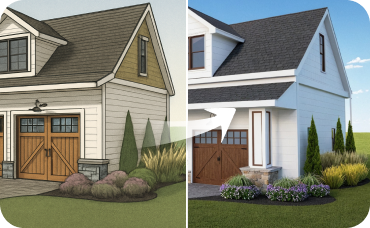
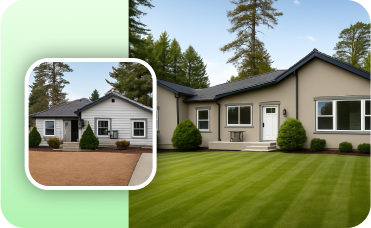
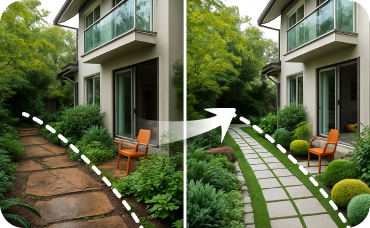
Enhance Your Home Building Plans with Related Ideal House Tools
Ready to Design Your Perfect Space?
Unlock the potential of AI for your home building plans. Create, customize, and share professional floor plans with ease.
Generate My Floor Plan
Ideal.House is more than a platform—it's your all-in-one home design ecosystem. Dive into powerful AI tools such as Interior Remodel, Exterior Renovator, and Landscaping to craft stunning spaces, and let HouseGPT guide you with tailored suggestions for planning, styling, and furnishing. Connect with a passionate community to swap ideas and advice, then take your designs from concept to completion with handpicked products matched to your taste.
At Ideal.House, we've built a space where technology, creativity, and collaboration come together to redefine home design.
At Ideal.House, we've built a space where technology, creativity, and collaboration come together to redefine home design.
Technical support [email protected]



💰 Earn 10% commission as a Ideal House Affiliate Partner.
Join us